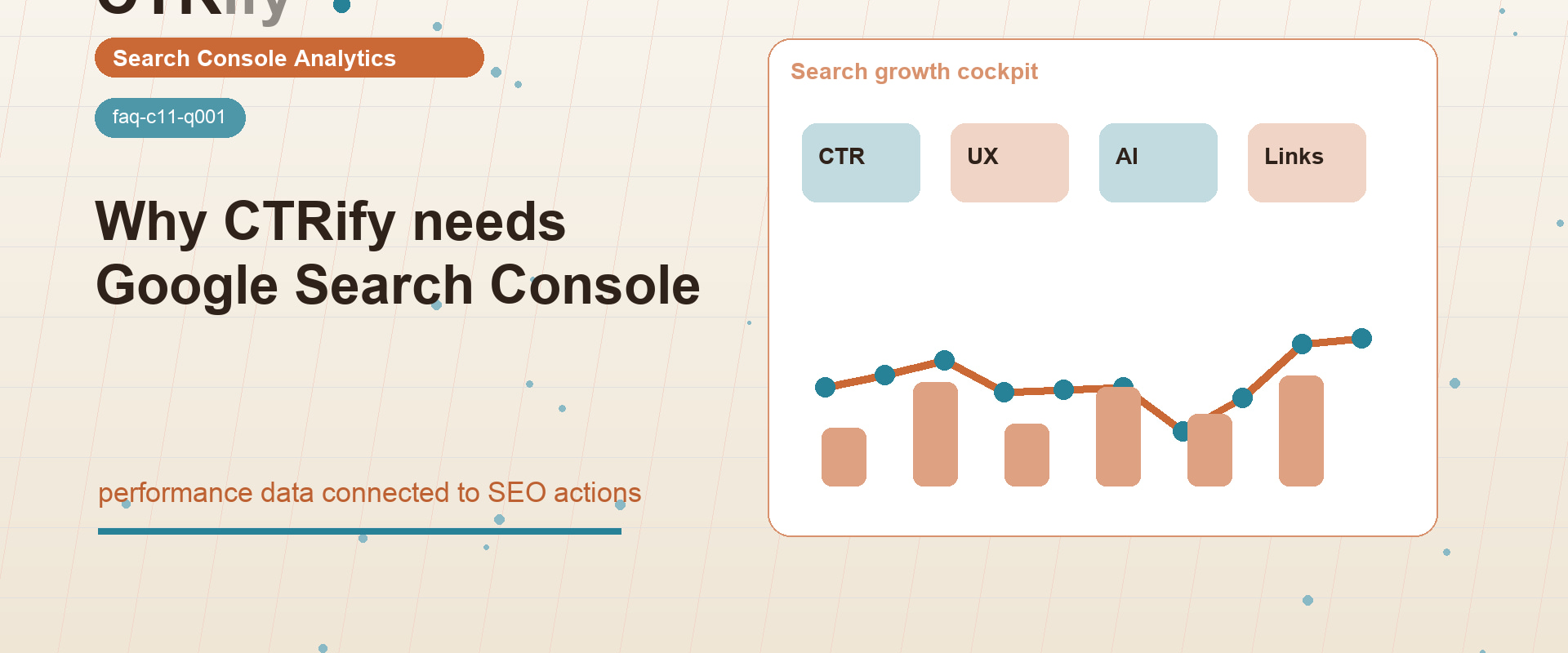
CTRify pulls data straight from Google Search Console—queries, URLs, clicks, impressions, CTR, and average position—to see where rankings and authority can improve. Without Search Console, you don’t know which keywords or pages actually matter. CTRify uses this data to find pages getting traffic, queries close to ranking higher, and whether the issues are content, internal links, authority, UX/CTR, or indexation. For a US site, this means focusing on URLs ranking between 3 and 20 instead of guessing. CTRify relies on Search Console data to diagnose, decide, act, and measure—not just report.
What does Search Console give CTRify?
Search Console supplies CTRify with page- and query-level metrics: clicks, impressions, CTR, and average position. This is Google’s actual performance data showing your site’s real rankings and user engagement.
This is important because a page with many impressions but low CTR needs different fixes than a page with no impressions. For example, a US SaaS page ranking ~8 for comparison terms might need better titles, more content, or UX changes. A new page without impressions may require indexing help or internal links. CTRify needs these signals upfront to avoid wasted effort.
Why are impressions not the same as keyword volume?
Impressions in Search Console show how often Google displays your site for a query—not total search volume. CTRify treats impressions as observed visibility, not keyword market size.
This is key for agencies. A low-volume keyword can have solid impressions if Google already links your site to it. Conversely, a high-volume keyword may show zero impressions if your site doesn’t rank yet. CTRify uses Search Console to focus on queries where your site already competes.
How does GSC change keyword selection?
Search Console shifts focus to queries where your site already ranks, usually between positions 3 and 20 with impressions. These are better short-term targets than brand-new keywords with only theoretical volume.
For a US ecommerce site, this might highlight category pages with impressions but low CTR. For local services, it shows city-service combos nearing good rank. For publishers, it highlights questions needing internal links or content refreshes. CTRify bases actions on this data.
Which CTRify workflows benefit from GSC?
Workflows selecting target URLs or tracking ranking changes rely heavily on Search Console data. This includes UX/CTR analysis, SEO Machine refreshes, internal linking campaigns, OutRank-style diagnostics, content planning, and some indexation checks.
Not every CTRify task needs Search Console. You can start a new AI support site from a topic or plan. But improving an existing site requires Search Console’s URL and query data to avoid optimizing irrelevant pages.
What happens if Search Console is not connected?
Without Search Console, CTRify loses critical first-party data. It can still use manual keywords, competitor research, third-party tools, or content plans, but recommendations become less precise.
The biggest risk is misdiagnosis. Rank trackers show keyword positions but not which URLs get impressions. CTRify needs the page-query pair to avoid building links, content, or UX around pages Google isn’t testing for that query.
How should CTRify use GSC in a decision framework?
The process is: Observe, Classify, Act, Measure. Track clicks, impressions, CTR, position, query, and URL. Identify bottlenecks. Take action—content, links, internal linking, UX, or indexing fixes. Then measure if the URL-query cluster improves.
This makes CTRify an SEO operating system that decides and executes next steps based on real Search Console data.
What should reports show after a CTRify action?
Reports need to be clear: target URL, query group, starting clicks, impressions, CTR, position, actions taken, dates, and results. Don’t assume one change caused all results.
For US teams, this approach makes reporting credible. If CTRify refreshed content, added internal links, and launched UX improvements, the report shows those steps with before-and-after Search Console metrics. The goal is decision-quality evidence, not vanity metrics.
What should you do next?
Connect Search Console if you want to improve an existing site, find quick wins, target URLs precisely, or measure CTRify’s impact. Focus on queries with impressions and ranking positions close enough to improve.
Then use CTRify AI SEO assets and workflows to turn Search Console data into content, links, internal links, UX signals, or support assets. The advantage comes from acting on real visibility data, not just analytics.